This Report allows you to see a list of ALL tags being used within your database and who is connected to them.
Go To Reports > Global Tag List
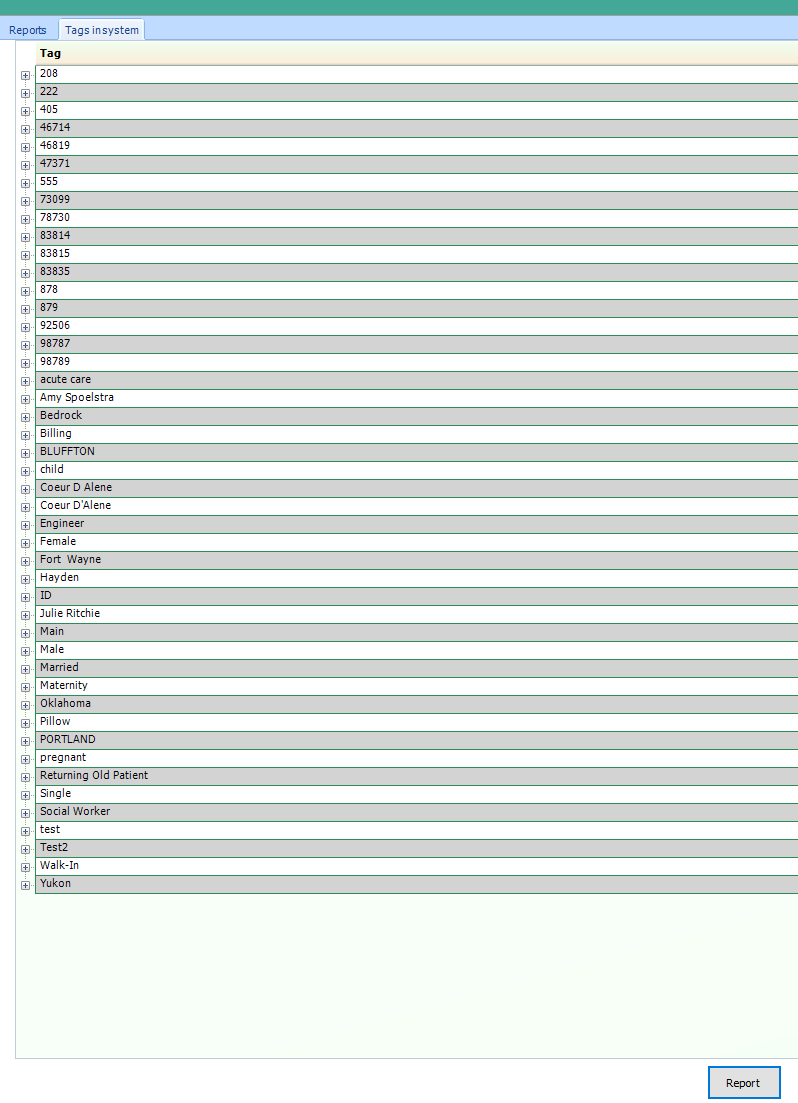
You will see a list of ALL tags applied within patient accounts
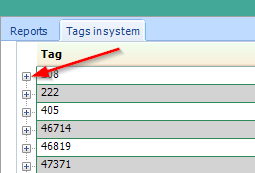
Select the + sign next to each tag to see who has that tag associated

If you would like to Export a list of all your tags and who is applied, click "Report" at the bottom of the report and Print.
Comments
0 comments
Please sign in to leave a comment.