The write off report allows you to see all write offs performed by the System or a database user.
Write offs come from Care Plan discounts, Fee Schedules (fee Adjustments) and manual/bulk write offs on patient charges.
To run the Report:
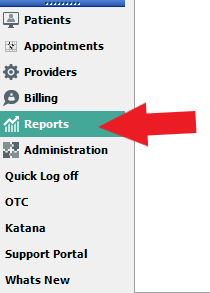
Under Reports
Write Off
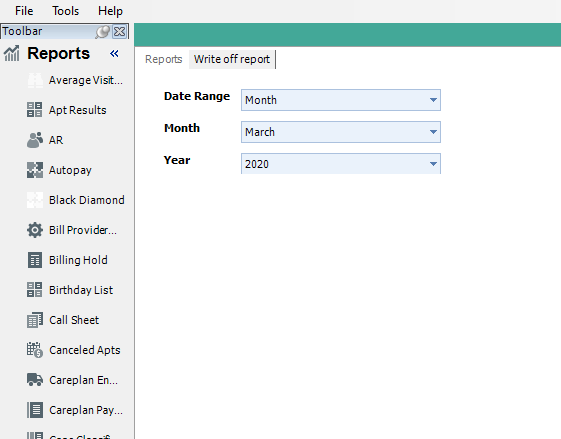
Select Date Range:
Options are Range of days, Day, Week, Month, Quarter and Year.
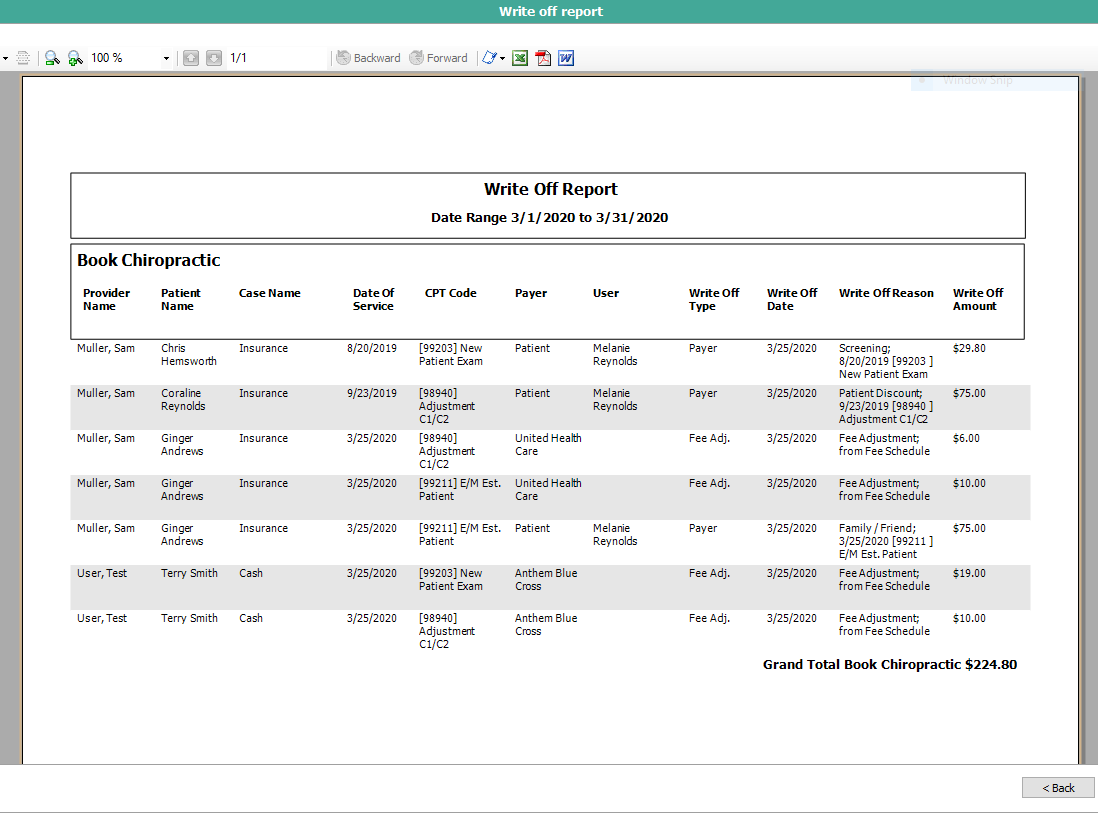
Sample Report
The report will show:
- Provider name associated with the charge
- Patient name
- Case Name
- Date of Service
- CPT code applied
- Payer
- User that performed the write off
- Write off type
- Write of date
- Write off Reason
- Write off amount
To Download/Print a Report
All reports will display a toolbar at the top of the page when generated.
You will be able to Print and Export the document. You will see the Red Circle is highlighting the Print button and the Red Arrow is pointing to the Export options. X=Excel, A=Adobe and W=Word.

- Support Information -
If you have any questions or need assistance with this process please contact Support by:
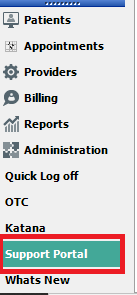
Live chat: Click the 'Support Portal' button in your main toolbar (on left-hand side), click the green 'Support' box in bottom right of screen.***This has the fastest response time***
Phone: 909-378-9514
Email: Support@coactionsoft.com
Business hours: Monday-Friday, 8:00am-6:00pm CST
Comments
0 comments
Article is closed for comments.